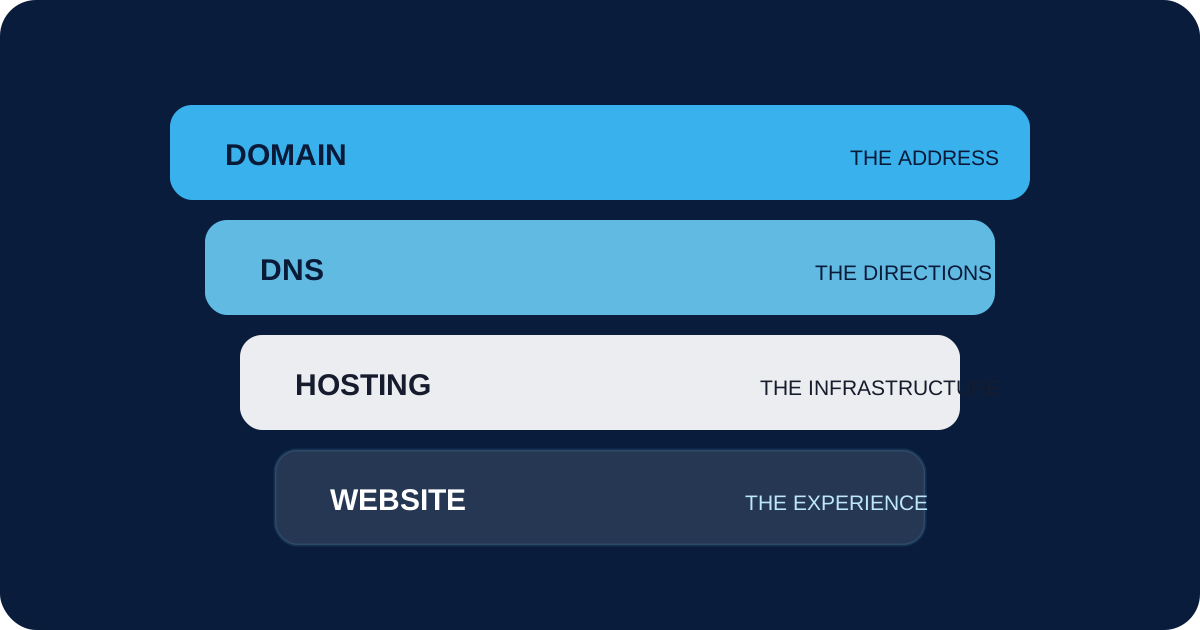
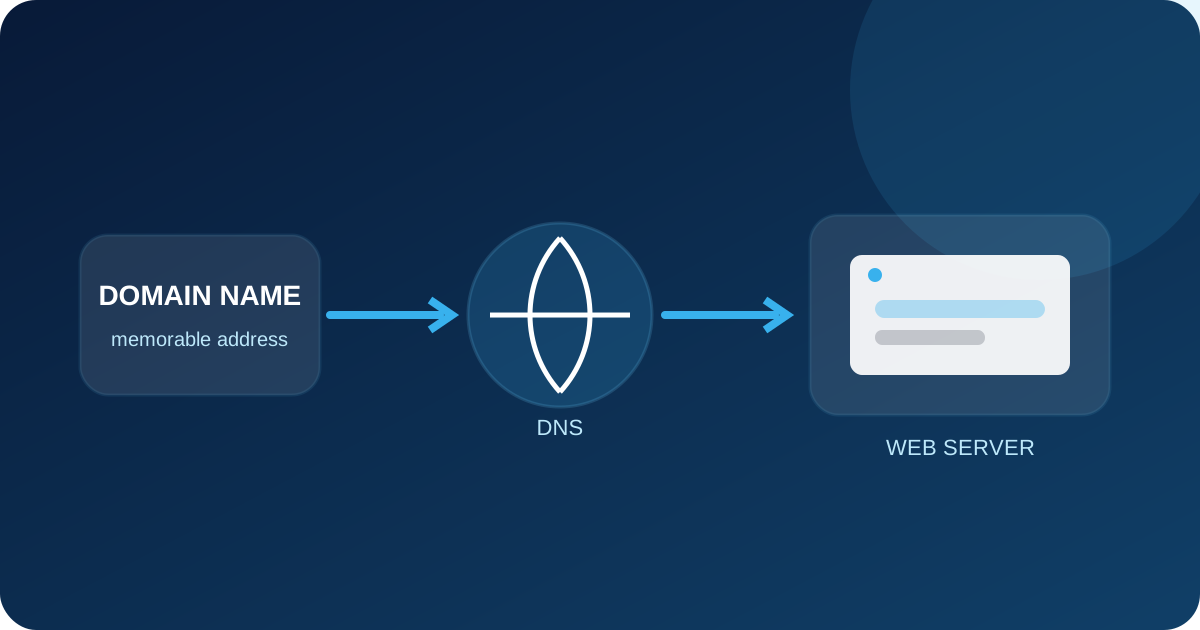
A domain name is the human-readable address people use to reach an online service. It is not the website itself and it does not store your pages; it is a registered identifier whose DNS records direct browsers, email systems and other services to the right infrastructure.
The anatomy of a domain name
In portal.robotikone.com, “portal” is a subdomain, “robotikone” is the registrable label and “.com” is the top-level domain. The exact registration boundary varies by registry: for example, a name under .co.th follows a country-code policy rather than the generic .com model.
- Choose the extension and registrable name together.
- Treat subdomains as routing choices, not separate registrations.
- Remember that a URL also includes protocol, path and optional query data.
Registrant, registrar, registry and DNS host
The registrant controls the registration through a registrar. The registry operates the top-level domain database, while a DNS host publishes records. One company can provide several of these services, but the roles remain distinct.
Keep the registrant email, recovery method and billing contact under business control. Losing access to the account can be more damaging than a temporary website outage.
- Record the legal registrant and account owner.
- Enable multi-factor authentication where available.
- Document nameservers, renewal date and recovery contacts.
How the name reaches a website
A browser asks a resolver for DNS information. The resolver follows the DNS hierarchy to authoritative nameservers, obtains a record such as A, AAAA or CNAME, then connects to the destination server. HTTPS subsequently authenticates and encrypts the web connection.
- Visitor enters the domain.
- A resolver finds the authoritative DNS answer.
- The browser connects to the returned server address.
- The web server selects and returns the requested site.
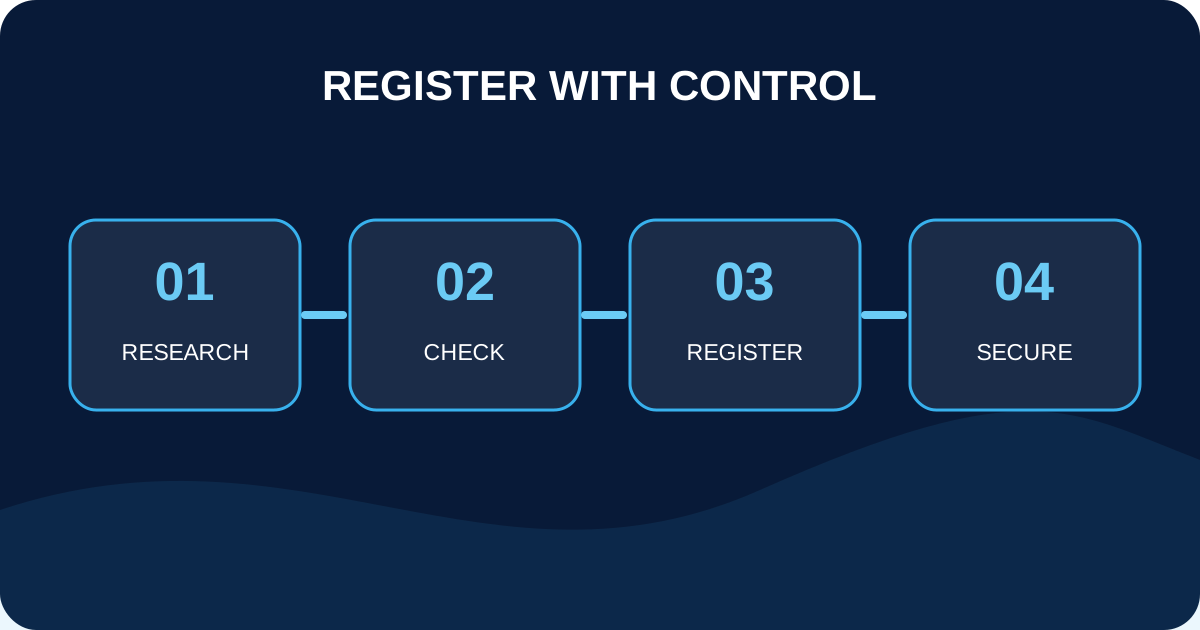
A practical pre-registration checklist
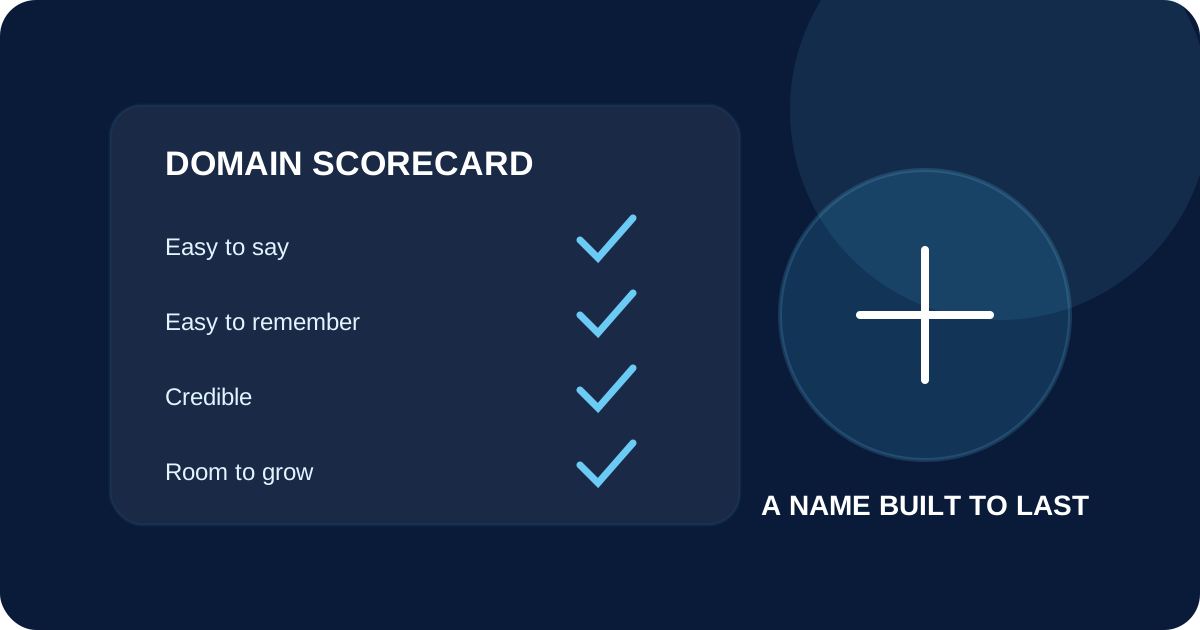
Check spelling, pronunciation, trademark risk, social handles and future market fit before paying. Availability alone does not mean a name is legally safe or strategically useful.
- Prefer a short name that can be spoken without explanation.
- Check common mistypes and confusing characters.
- Plan primary and defensive extensions.
- Decide who will own and renew the registration.
Frequently asked questions
Is a domain name the same as a website?
No. The domain is an address; the website is the content and application served by hosting infrastructure.
Do I own a domain forever?
A registration grants control for a paid term. It must be renewed and remains subject to the applicable registry and registrar rules.
Can one domain serve a website and email?
Yes. Different DNS record types can direct web, email and verification services independently.